

TL;DR: Dashboard → Language → + Add Language → Select language(s) → Save.
Your banner content can now be translated into the selected languages.
Overview
Adding languages enables your consent banner to display in multiple languages based on your visitors' browser settings. Once added, you can translate all banner content for each language.
Before You Begin
Make sure you have:
Time required: About 1 minute
How to Add Languages
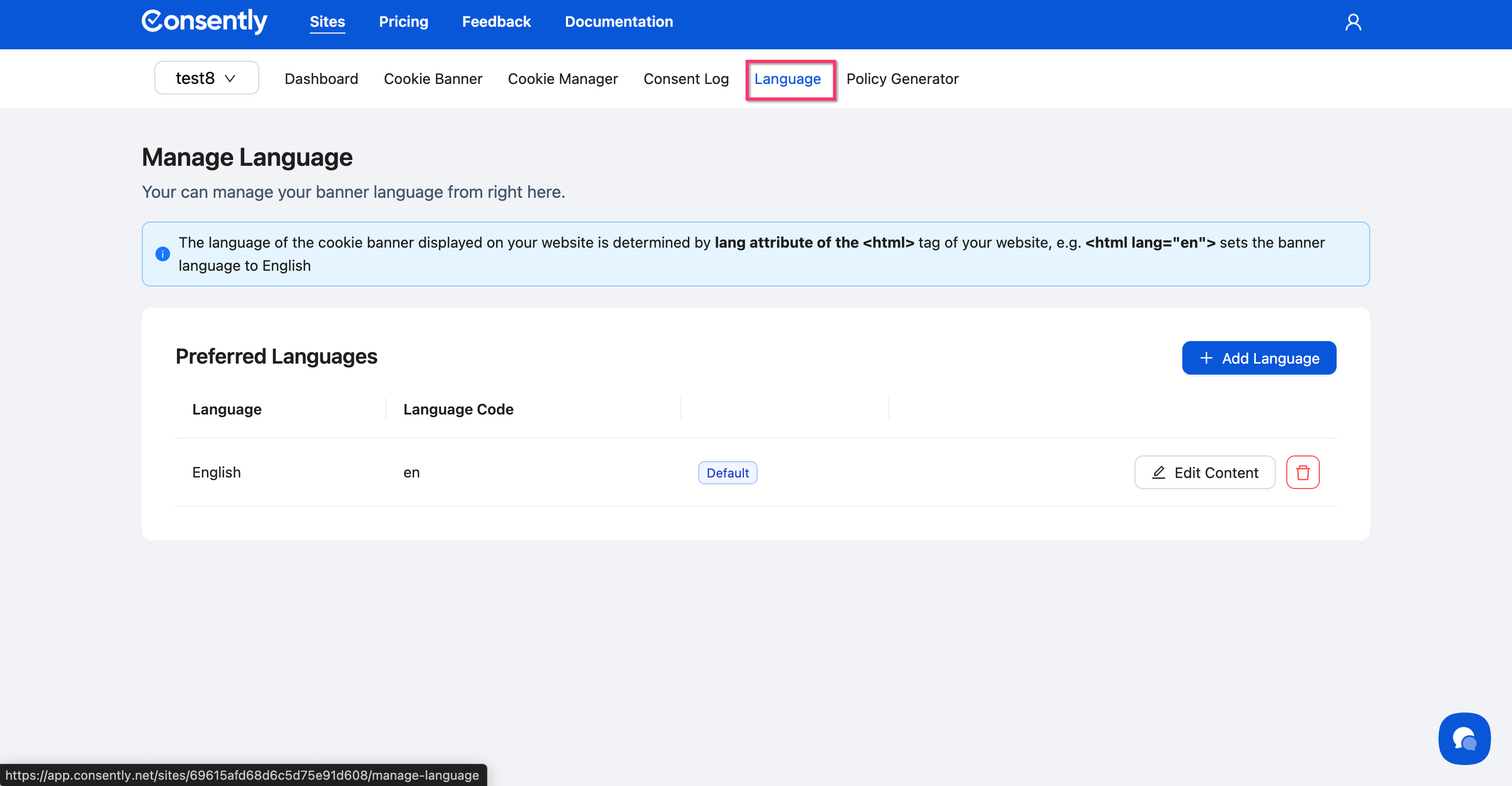
Step 1: Navigate to the Language page
Click Language in the site navigation bar.
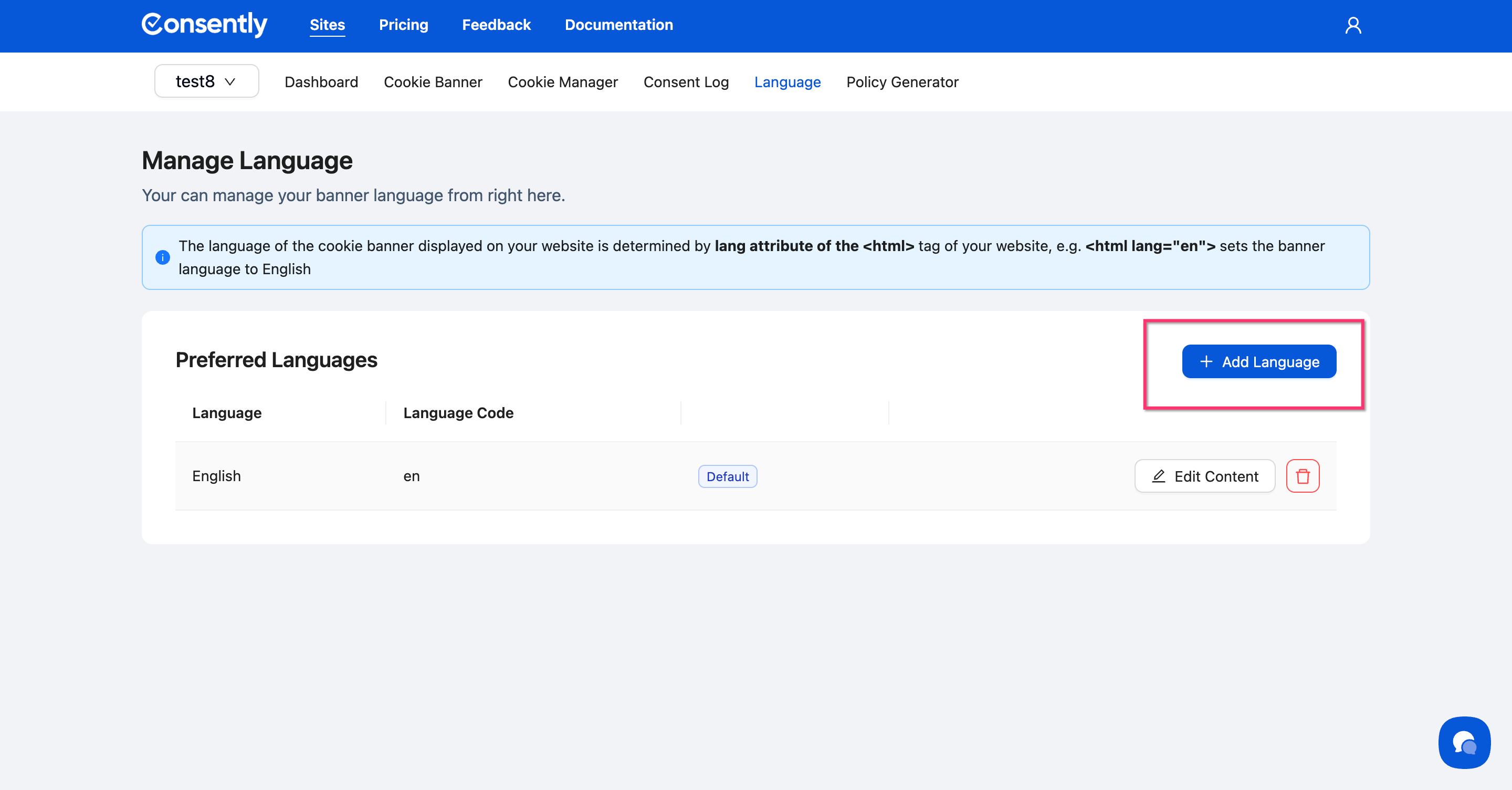
Step 2: Open the Add Language modal
Click the + Add Language button in the top-right corner of the Preferred Languages section.
Step 3: Search for your language
Use the search box in the Select Language(s) dropdown to find the language you want to add.
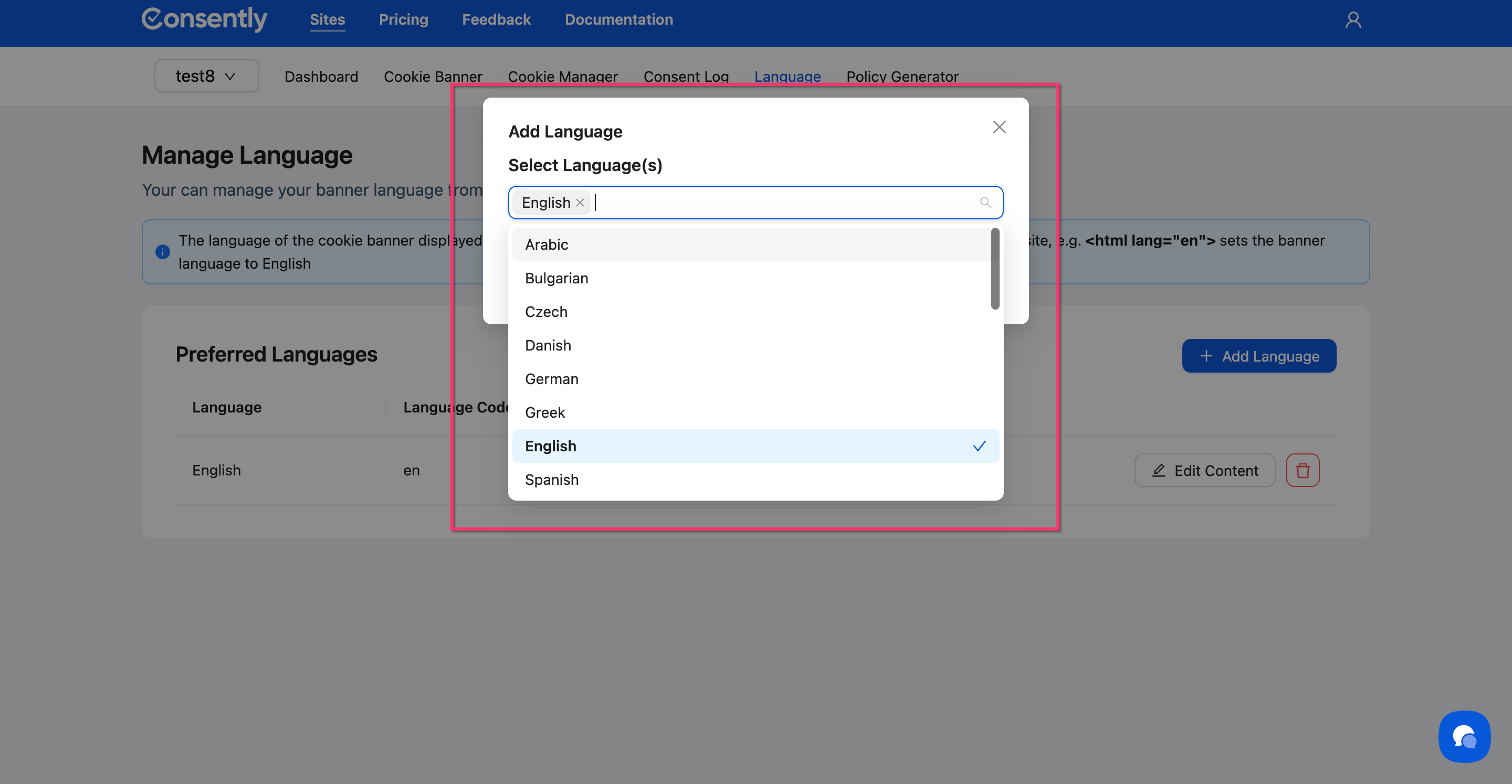
💡 Tip: You can select multiple languages at once by clicking each one before saving.
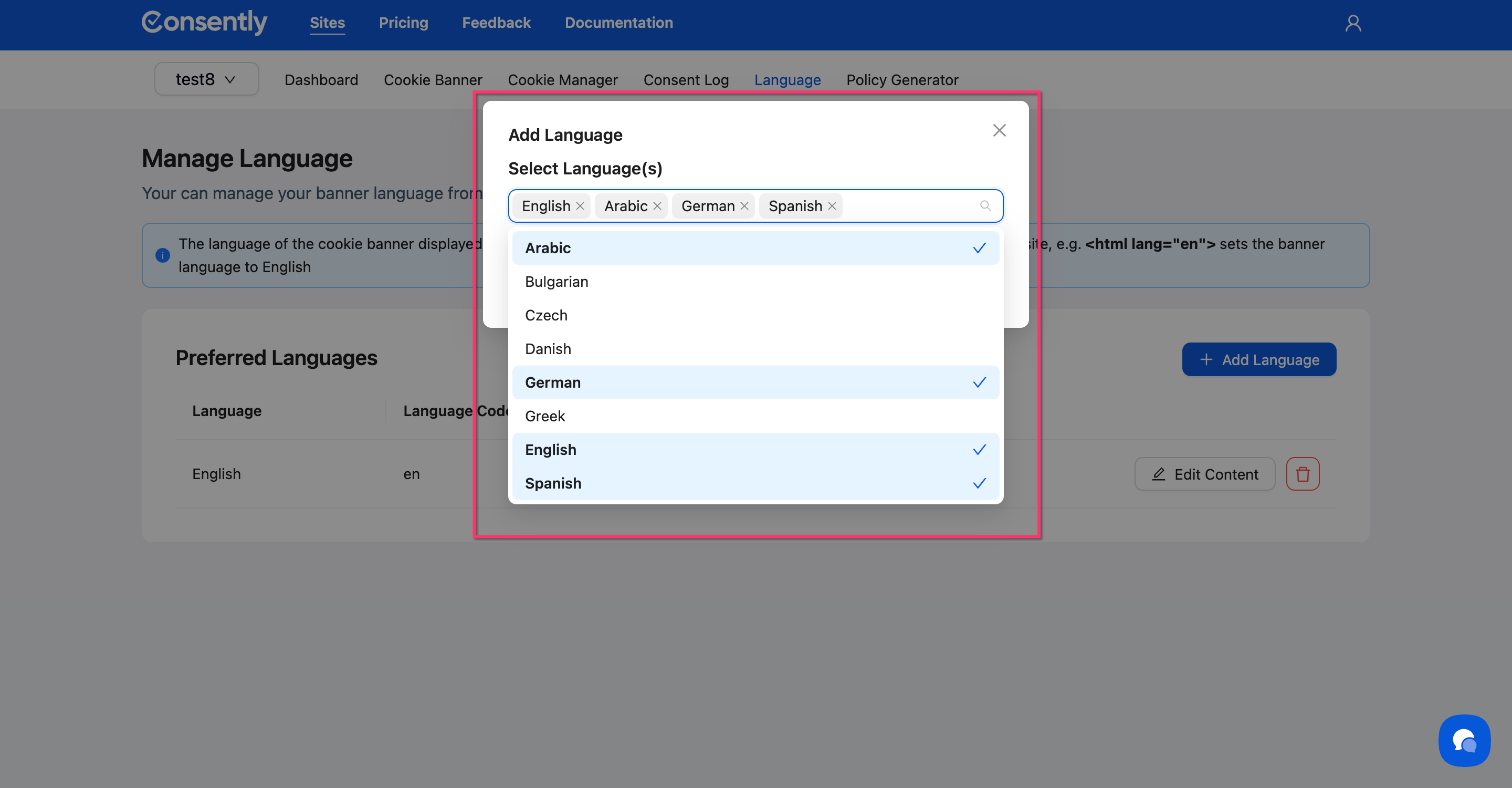
Step 4: Select languages
Click on one or more languages from the list to add them. Selected languages will show a checkmark.
Step 5: Save your selection
Click Add at the bottom of the modal.
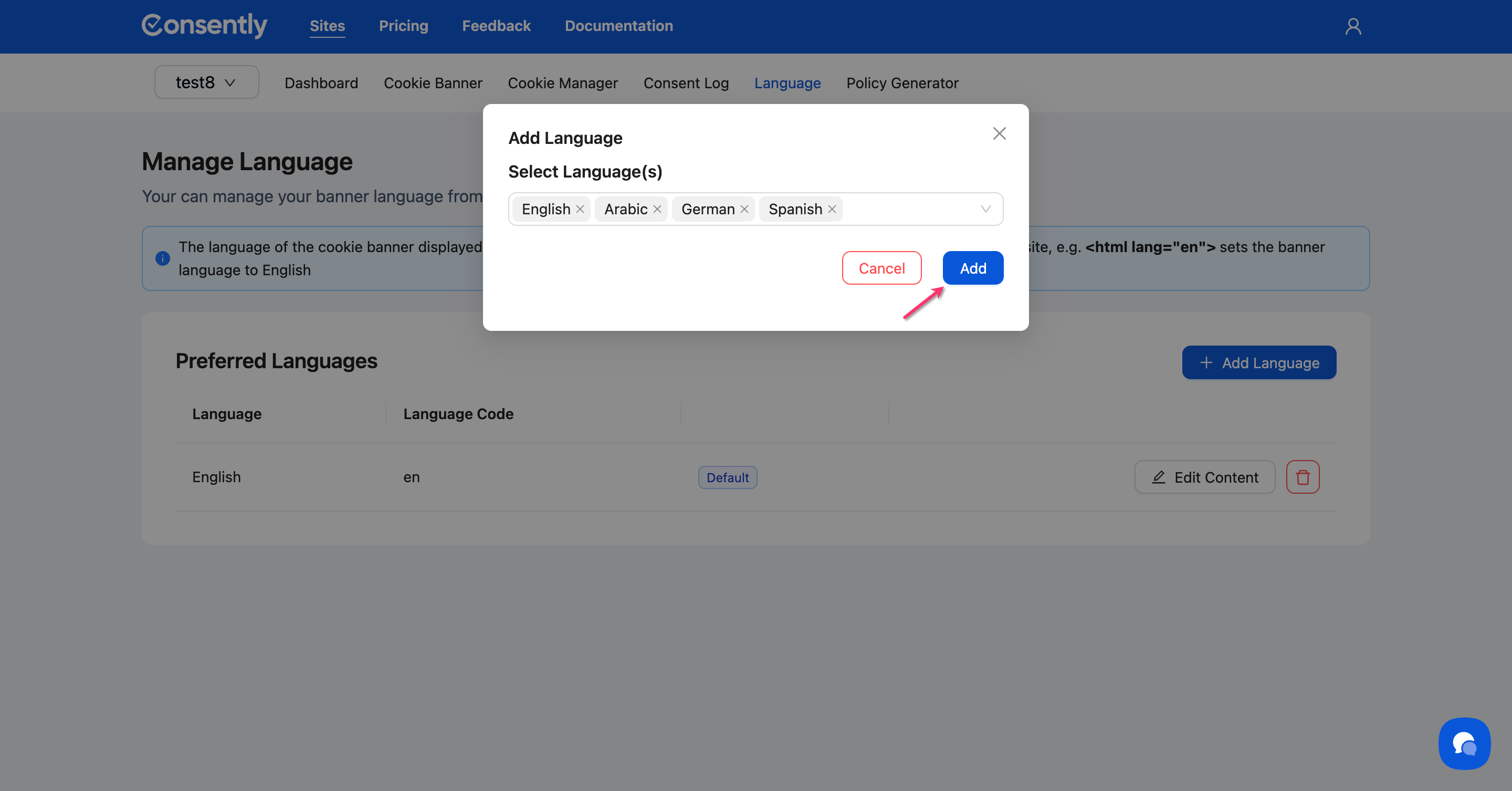
Done!
Your selected languages now appear in the Preferred Languages table with their language codes.
✅ Success indicator: Each language appears as a new row in the table with an Edit Content button.
What's Next
Now that you've added languages, you should:
Translate your banner content for each language
Troubleshooting
A language I need isn't in the list
Consently supports 25+ major languages. If your specific language isn't available, contact support to request it.
Can I change the default language?
Yes. The first language you add becomes the default. English is the default for new sites. The default language is indicated by a Default badge in the language table.
How language detection works
Your banner automatically displays in the visitor's language based on their browser's language setting. If that language isn't available, the banner defaults to your default language.
For technical details about automatic language detection, see Multi-Language Overview.
Related Pages
Multi-Language Policy Generation — Generate legal policies in multiple languages